B2B Landing Pages That Generate Qualified Enquiries: A Practical Build and QA Guide
A B2B landing page should help a potential client decide whether your company is relevant and whether taking the next step is worth their time. A beautiful hero image cannot compensate for an unclear service, missing project requirements or a form that loses enquiries. Nor is every contact form...
A B2B landing page should help a potential client decide whether your company is relevant and whether taking the next step is worth their time. A beautiful hero image cannot compensate for an unclear service, missing project requirements or a form that loses enquiries. Nor is every contact form submission a valuable lead. The aim is to connect a specific buyer need with a credible offer, then make a useful conversation easy to begin. This guide covers planning, content, design, measurement and launch testing for service businesses, contractors and specialist providers.
Define the audience and a single meaningful conversion
Begin with a customer scenario rather than a colour palette. Imagine a procurement manager looking for a maintenance partner, a contractor needing a specialist website or a business owner exploring an integration. What does the person already know? What constraints will shape the decision? What would they need to learn before requesting a proposal? Write the answers in plain language. A landing page aimed at a general audience often fails because it speaks to nobody in particular.
Choose a primary action that matches the decision stage: request a project assessment, discuss technical requirements or book an introductory call. A low-commitment enquiry may suit a complex service better than an immediate purchase-style button. Keep alternative paths available for readers who need more detail, but avoid presenting five equally dominant calls to action. Define what counts as a qualified enquiry before launch: relevant organisation, appropriate need, service area and realistic timing, not merely an email address.
Make the opening section answer three questions
A visitor arriving from a search result or referral should quickly understand what you do, for whom and what happens next. A headline such as “Innovative solutions for your future” supplies almost no information. A more useful alternative is “Custom Webasyst development for businesses with complex product catalogues,” followed by a short explanation of which projects are supported. This is an illustrative headline, not a claim about every project or a recommended keyword formula.
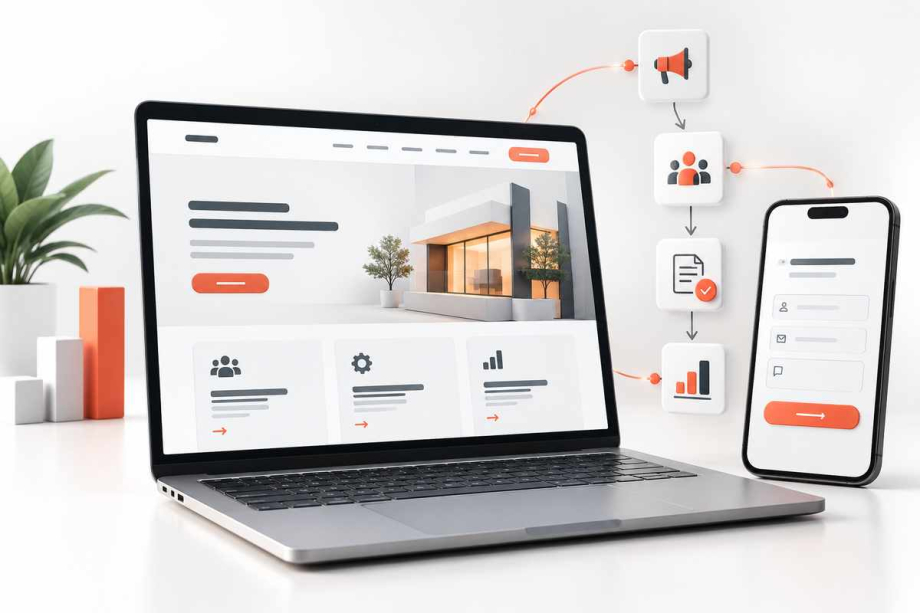
Place a relevant primary action beside that explanation and give it a descriptive label such as “Discuss your catalogue requirements.” The supporting visual should show the service or workflow, not an unrelated technology collage. On mobile, verify that the heading remains readable and the action is not pushed beneath an oversized illustration. A landing page should communicate its purpose even if images fail to load.
Use the buyer's questions as the page structure
After the introduction, explain what is included, what the client must supply, how delivery works, and which constraints affect scope. A useful sequence is problem and outcome, service deliverables, process, relevant proof, questions and enquiry. This is a starting structure, not an inflexible template. A highly technical service may need a compatibility or integration section earlier; a local contractor may need service-area details before discussing the process.
Give each section a clear heading. Replace vague claims such as “top-quality solutions” with observable details: the project begins with requirements, the design is reviewed before implementation, and testing covers agreed scenarios. Do not invent client results, percentages or certifications. Google Search Central's people-first content guidance is useful here: write information that genuinely helps the visitor complete their task rather than copy designed solely around search terms.
Use credible proof, including limitations
Trust is earned by showing how work is approached. Where permission exists, include a case study with a specific challenge, the approach taken and what was delivered. If verified outcomes are not available, describe the scope without inventing conversion uplifts. Explain which systems, markets or project sizes are a good fit and which are not. For some buyers, a clear limitation makes the offer more credible than a universal promise.
Use real project imagery when possible, with permission and appropriate privacy protection. A screenshot without context can mislead. If clients cannot be named, present an anonymised technical example without claiming that hypothetical results occurred. Provide a link to a fuller company profile or process page where visitors can check the team's approach. Page credibility is not a substitute for actual contractual due diligence, but it reduces avoidable uncertainty before first contact.
Design the form to start a conversation
Request only information needed to triage the enquiry. For many service pages, a name, work email, brief project description and one useful category question will suffice initially. Budget, timelines or current-system details may be helpful, but asking too many compulsory questions can block people who are still evaluating options. Explain what happens after submission and avoid promising a response time unless the team can maintain it.
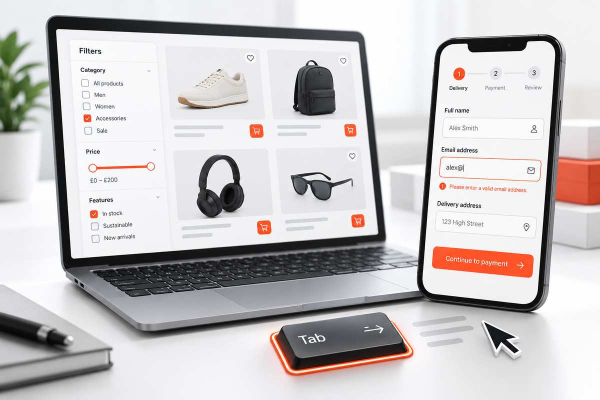
Use persistent visible labels, explicit required-field indicators and errors that explain how to correct the input. The W3C's form-label guidance describes how labels should be associated with controls, while its validation tutorial explains accessible feedback and the need for server-side checks. Keep legitimate entries after validation errors. Confirm receipt without exposing sensitive information in analytics or page URLs. Test keyboard navigation, screen reader announcements and the form on a narrow phone.
Connect the form to real business operations
The journey does not end when a success message appears. Decide who receives the lead, how it is classified, how duplicates are recognised and what happens if email delivery or a CRM connection fails. A form can report success while its notification is silently rejected. Use a test inbox, a staging CRM record where appropriate, and an alert for delivery failures. Do not store customer data in a public debug log simply to make troubleshooting easier.
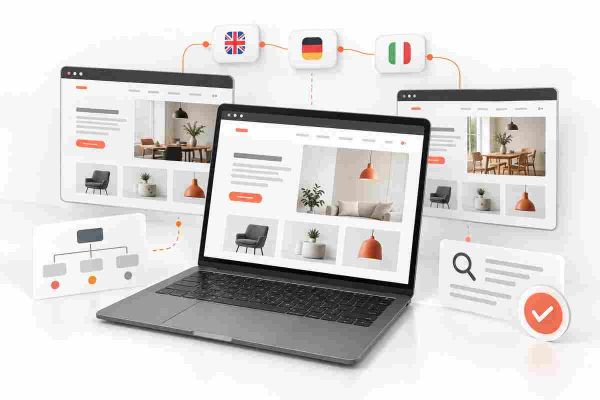
Set ownership for each enquiry type. A technical integration request may need a specialist; a general corporate website brief may need a discovery call. Design an acknowledgement that accurately describes the next step without sending an automated sales promise. For teams with multiple language versions, test that the submission contains the intended language and page context.
Measure leads, not just button clicks
Separate click intent from actual receipt. Clicking “Send” is not a successful lead if validation fails or the API times out. A practical analytics design records form_start only when meaningful, form errors for internal troubleshooting where privacy rules allow, and a lead event after the server confirms acceptance. Google Analytics documents generate_lead for initial lead acquisition and distinguishes it from later qualification events. Implement the event only after checking how the site's consent settings and data governance apply.
Compare traffic sources by qualified conversations over time, not only raw submissions. Spam, duplicate submissions and poorly matched requests can distort an apparent conversion improvement. Do not upload email addresses, phone numbers or form narratives as ordinary analytics parameters. If lead quality is assessed later in a CRM, define a controlled method to reconcile outcomes with acquisition data rather than assuming every enquiry has equal business value.
Test the page like a prospective customer
Run a short but realistic acceptance test. Open the page from a campaign link and from ordinary site navigation. Read the heading without prior context. Check that the main action is visible, then submit a valid enquiry. Repeat with a missing required field, a malformed email address and a temporary backend failure. Verify the correct confirmation and that the receiving team can find the record. Repeat at high zoom, on mobile, using the keyboard and with assistive technology where available.
Inspect page title, meta description, internal links, canonical URL and final destination of buttons. Google's title-link documentation explains why titles should accurately represent page content; the search result is not guaranteed to reuse a particular title. If there are language variants, check each real target rather than sending every visitor to the English contact page. Record any failed step with the expected and actual behaviour, fix the cause and retest.
Decide between a focused landing page and a full corporate site
A focused landing page suits a single service, campaign or narrow offer with a clear next action. A larger corporate website is often better when buyers compare several capabilities, read detailed credentials and involve multiple stakeholders before contacting you. A landing page can sit inside that site; the two are not competing products. Start with the buyer's information needs and the maintenance capacity of the team, then decide on the page count.
Keep ownership clear after launch: who updates project details, reviews contact forms, checks broken links and verifies analytics? Schedule periodic checks after plugins, payment tools or CRM systems change. A useful page is not finished when the design is approved. Its content, interaction and downstream handling must continue working together.
Final launch checklist and next step
Before publishing, confirm one specific audience and action, useful service scope, truthful proof, readable mobile layout, accessible labels and errors, a working end-to-end form, reliable lead routing and analytics that record actual accepted submissions. After launch, review the quality of real conversations, note questions buyers still ask and refine the page accordingly. There is no responsible universal conversion-rate promise: traffic, offer fit, brand trust and sales follow-up all matter.
For a focused service page or a more complete company presence, explore Quadro Design's corporate website and landing-page development. You can also describe your project and request a discussion, including the audience, intended action and any existing website or form limitations.