
How to Audit a Slow Shop-Script Store: A Practical Core Web Vitals Workflow
A Shop-Script store can appear quick on an office computer yet feel slow to a customer browsing a large category on a phone. A home-page benchmark alone will not explain the difference. Templates, product photographs, filters, external scripts, server responses and a customer's device all...
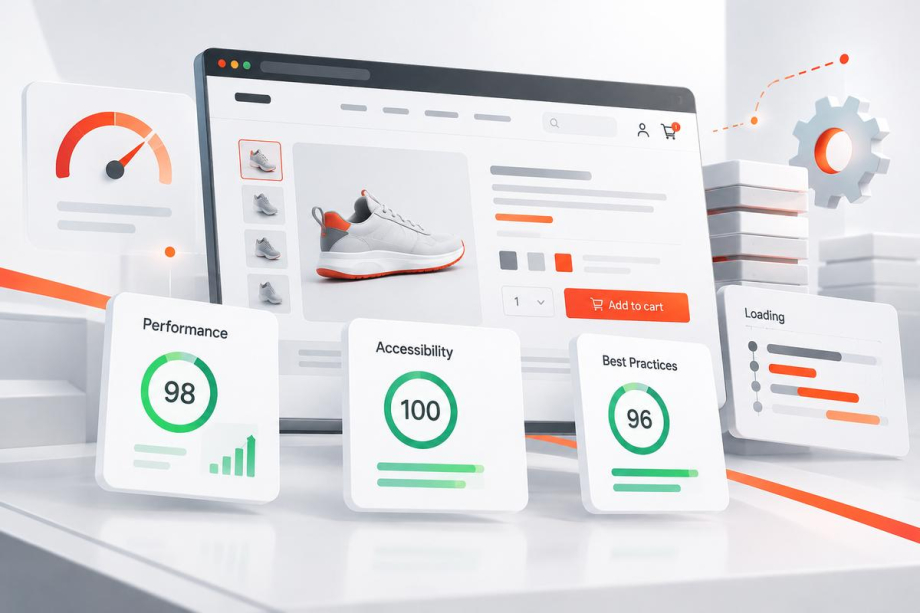
A Shop-Script store can appear quick on an office computer yet feel slow to a customer browsing a large category on a phone. A home-page benchmark alone will not explain the difference. Templates, product photographs, filters, external scripts, server responses and a customer's device all contribute to perceived speed. The practical task is to identify which part of the shopping journey is genuinely slow, then repair that cause without breaking catalogue functions. This guide sets out a measured audit for Webasyst and Shop-Script stores; the same reasoning is useful on other eCommerce platforms.
Start with real shopping tasks, not a single score
Choose representative page types before running a test: the home page, a busy category, a filtered listing, an ordinary product, a complex product with several variants, and the basket or checkout. Include a genuinely large category rather than testing only an easy page with five products. Record the exact URL, device type, browser, network conditions and whether the session is logged in. Repeat the key journeys on a real mid-range phone as well as desktop. This produces evidence of where people actually wait: loading an image, opening a filter, switching a variant, updating quantity or submitting an order. A page that scores well but has an unresponsive add-to-cart interaction still needs work.
Understand the three Core Web Vitals in context
Google's Web Vitals guidance defines three current Core Web Vitals. Largest Contentful Paint (LCP) addresses the appearance of the main content, with a recommended good threshold of 2.5 seconds or less. Interaction to Next Paint (INP) concerns responsiveness to interaction, with a good threshold of 200 milliseconds or less. Cumulative Layout Shift (CLS) captures unexpected visual movement, with a good threshold of 0.1 or less. These are experience measures, not guarantees about rankings or sales. Google's assessment uses the 75th percentile of page loads, evaluated separately for mobile and desktop. Use them to prioritise the kind of discomfort users encounter, not as a reason to hide important functionality.
Separate field experience from laboratory diagnosis
Open PageSpeed Insights for each page type and distinguish real-user data from the controlled Lighthouse test. Google explains that PageSpeed Insights uses the Chrome User Experience Report for available field data and Lighthouse for laboratory diagnostics in its official documentation. The field collection covers a preceding 28-day window, so a change made today will not instantly rewrite the historical experience. Low-traffic URLs may have only origin-level data, or none. Do not describe missing field data as a pass. Where practical, add privacy-conscious real-user monitoring and compare mobile traffic with desktop separately. Keep the original results so improvements can be checked against a baseline rather than remembered impressions.
Investigate a slow main image before compressing everything
On product pages, the main photo or large content block may be the LCP element. Inspect what the browser identifies as the LCP element, then examine server response time, resource discovery, file transfer and rendering delay. Google's LCP optimisation guide describes this breakdown and cautions against assuming one isolated trick will solve the metric. An image might be appropriately compressed but requested late because a script inserts it; conversely, a fast request may still render late behind blocking CSS. Test sensible responsive image sizes and modern image formats, but keep enough detail for customers to inspect a product's condition. Avoid lazy-loading the principal above-the-fold image when doing so delays discovery.
Find slow interactions inside filters, variants and the basket
INP problems are often easiest to feel: a category filter seems stuck, a product variation takes too long to update, or clicking Add to basket leaves no immediate confirmation. Reproduce the action while recording a Chrome DevTools performance trace. Check long JavaScript tasks, expensive DOM updates, repeated event handlers and third-party widgets. The official INP guide recommends using field evidence to identify problematic interactions before reproducing them in a controlled environment. In Shop-Script, inspect theme scripts and plugin behaviour together. Removing a useful plugin without diagnosis may create a functional regression while leaving the underlying delay intact. Prefer targeted changes that reduce blocking work and preserve predictable feedback to the shopper.
Reserve space so the page stops jumping
A product grid can shift when image dimensions are missing, a font swaps, a promotion bar arrives late, or a stock message expands the purchase panel. These movements are especially disruptive when somebody is about to tap a product or checkout button. Google's CLS optimisation guidance lists missing image dimensions, embedded content, dynamically inserted blocks and fonts among common causes. Give product thumbnails stable aspect ratios; reserve appropriate room for banners and embedded components; and test late-loading validation notices. Do not merely hide useful delivery or availability information to improve a metric. The objective is stable placement, not a smaller amount of information.
Check the Webasyst theme, plugins and server as one system
Shop-Script speed issues rarely respect a neat boundary between front end and back end. A theme may request oversized thumbnails, a plugin may issue redundant database queries, a product filter may build expensive combinations, or a background job may compete for server resources. Record the application version, theme and plugin versions, caching configuration and hosting environment before editing. Inspect server logs, slow queries and application timings where authorised. Test catalogue pages with realistic numbers of variants, images and attributes. Keep a versioned backup and a rollback plan. When a performance fix touches stock, price or basket logic, include those flows in functional regression tests rather than treating speed as an isolated technical target.
Prioritise fixes using impact, risk and effort
Not every finding deserves immediate development time. Group work into clear categories: quick, low-risk fixes such as proper thumbnail dimensions; medium-sized template improvements; and high-risk changes to filters, checkout scripts or caching rules. For each proposed fix, write down which page group is affected, which measurement or user complaint supports it, and what could fail after deployment. A useful decision criterion is the number of real customers exposed to the problem, not how dramatic the Lighthouse warning looks. Before removing an analytics tag or disabling a feature, confirm its business owner and purpose. If a change provides little observable benefit, reverse it rather than adding permanent complexity.
Run a small controlled implementation
Make one coherent change at a time in a staging copy or safely controlled environment. Check that images remain sharp, filters return correct products, product variants display the right price and stock, and orders can still be completed. Re-run the same test URLs and interactions with comparable device and network settings. Record the result, the code version and any unexpected side effects. A speed improvement on a blank test page is not evidence that a production store improved. For stores with custom inventory or marketplace integrations, also verify that changing cache rules does not leave stale quantities or prices visible to buyers.
Review the result over time instead of declaring victory on launch day
After release, watch error logs, shopping-flow complaints and the real-user trends in addition to repeating lab checks. Since CrUX represents a rolling collection period, expect the field picture to change gradually as new visits enter the dataset. Compare equivalent periods where possible, noting promotions, traffic mix or major catalogue changes that could explain a difference. Set a lightweight routine: spot-check core templates after theme updates, plugin installs, new tracking scripts and large catalogue imports. A stable process is more useful than a one-off perfect score, especially when a business continues developing its store.
What to prepare before asking for a technical audit
Send the store URL, a few slow page examples, the devices on which the delay is visible, recent changes, and the most costly customer-facing symptom. If you have PageSpeed results, share them, but avoid treating the headline score as the whole brief. Useful access may include a safe staging environment, relevant logs and a list of active extensions; passwords should be exchanged only through an agreed secure method. Quadro Design's eCommerce development service covers store structure and technical implementation, and our development process begins with understanding the actual workflow. A targeted assessment can establish scope before anyone promises a speed outcome.
Conclusion: speed is a customer journey, not a badge
A reliable Shop-Script performance review starts with representative pages, real users and reproducible interactions. LCP, INP and CLS point to different problems; server timings, image loading, theme logic and plugin behaviour explain why they happen. Work from evidence, protect checkout and stock accuracy, and verify every release on realistic catalogue pages. If your store needs this kind of diagnosis alongside broader improvements, contact Quadro Design with the affected URLs and business priorities so the next step can be defined clearly.